






If you have worked in HR for a while, you have already lived through one technology shift. Payroll that once took a week of spreadsheets now runs in hours. Leave requests that used to travel on paper are approved with a tap. That was automation, and it changed HR for the better.
Now a second shift is underway. AI is appearing in HR software, in the assistants employees use every day, and in nearly every conversation about the future of work. It is easy to see it as simply more automation. It isn’t. Automation and AI do different jobs, and the difference matters for how HR teams work, decide and lead.
In this article, we look at what automation solved, where it reaches its limits, what AI adds, and what people mean when they talk about “human-centered AI.” More importantly, we explain why that idea is more practical than it sounds.
The automation era: teaching systems to follow rules
HR automation is built on a simple idea. If a task follows clear rules, a system can carry it out faster and more reliably than a person can.
Think of the tasks HR software took over first: calculating salaries, tax and social security contributions, recording attendance and overtime, routing leave and claim requests to the right approver, sending reminders when contracts or certifications are about to expire.
Each of these follows a predictable pattern: if this happens, do that. An employee works overtime on a public holiday, so the system applies the correct rate. A manager approves a leave request, so the balance is updated and payroll is informed.
The benefits were real: fewer manual errors, faster processing, consistent application of policy, and HR teams no longer had to re-type the same data into three different spreadsheets.
For many organizations, automation is what made it possible to grow from a few hundred employees to several thousand without the HR team growing at the same pace.
Where rules run out
Automation is excellent at doing what it was designed to do: providing reliable records, auditable calculations and transparent transactions. It is less helpful, however, when the question becomes, “What should we do next?”
Consider a store manager preparing next month’s roster. Traditional scheduling software can check working-hour limits, apply shift rules and account for planned events. But anticipating how a combination of promotions, seasonal demand and historical customer patterns might affect staffing is a more complex challenge.
Or consider an HR manager reviewing payroll. Automated systems can calculate overtime and generate reports showing changes over time. AI can go further by drawing attention to unusual patterns, helping investigate possible causes and suggesting where closer review may be worthwhile.
The challenge is no longer just processing information correctly. It is understanding what that information means and what deserves attention. Traditionally, HR teams have relied on reports, spreadsheets and experience to identify patterns and investigate problems. That approach still works, but it takes time, and important signals can be missed when people are busy managing day-to-day operations.
What AI adds
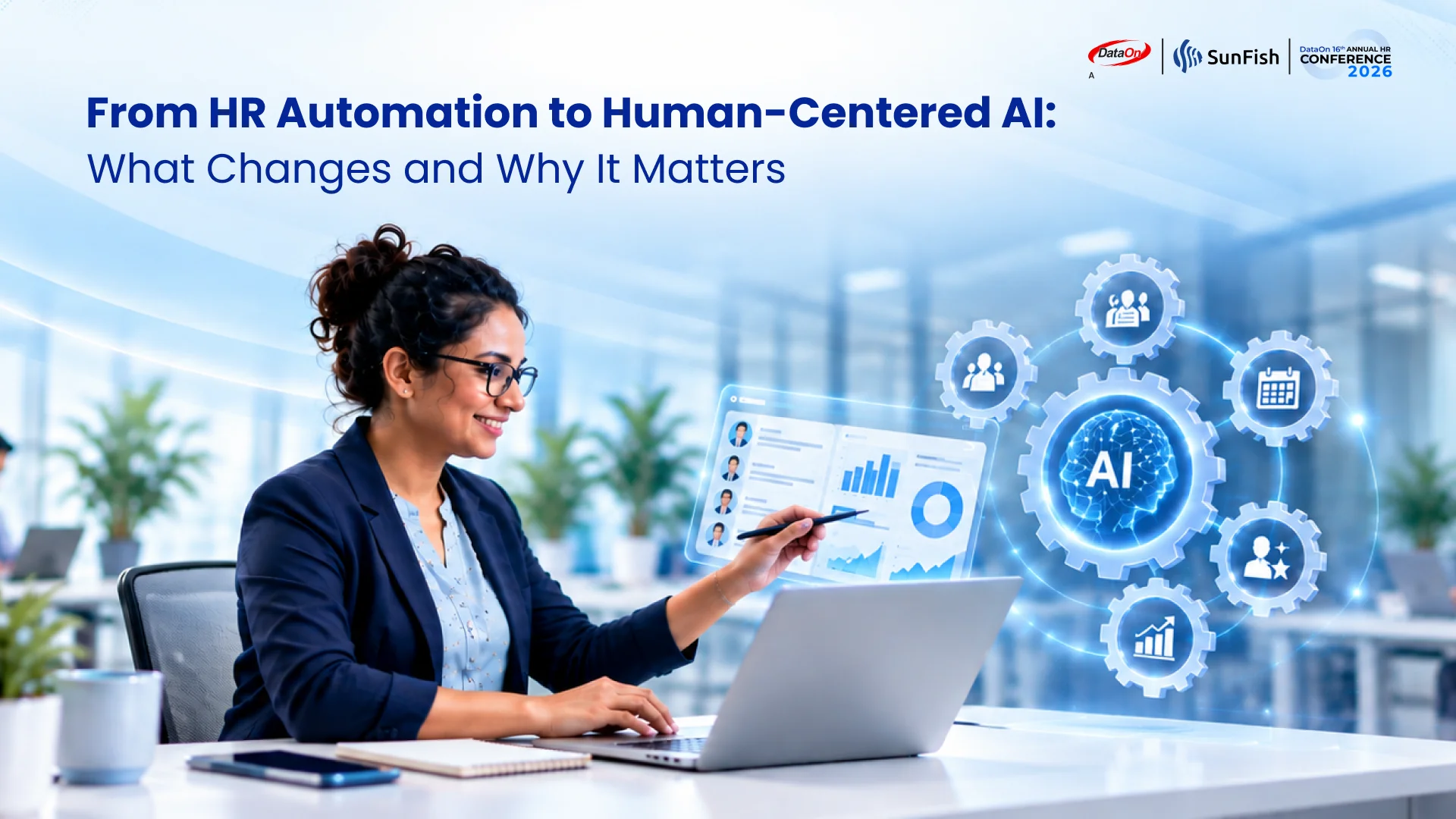
This is where AI adds another layer of capability. Rather than relying only on explicitly programmed rules, AI can recognize patterns, interpret information and generate responses based on what it has learned from data. This makes three capabilities much more accessible in everyday HR work:
| Spot patterns. | Understand questions in plain language. | Suggest next steps. |
|---|---|---|
| AI can compare this month with last month and highlight what changed, or use past demand to forecast future workload. | An employee can simply ask, “How much annual leave do I have left?” instead of navigating through menus. | Based on what it finds, AI can recommend an action, such as adding staff to a busy shift or reviewing an unusual payroll figure. |
A simple way to remember the difference: automation does the task, AI helps with the thinking around the task. Automation answers “how do we process this?” AI helps answer “what is happening, and what should we do about it?”

That is a powerful step forward. It also raises a fair question. If AI is helping with judgment, who is actually making the decision?
So what does “human-centered AI” actually mean?
The phrase can sound like a slogan, so let’s give it a clear, working definition:
Human-centered AI is AI designed around the needs of the people who use it and those affected by its results. It helps people make better-informed decisions, while keeping appropriate human oversight, control and accountability in place.
The easiest way to understand it is to look at the opposite. Technology-centered AI is built because something is technically possible. People are expected to adapt to it: learn a new tool, trust answers they cannot check, and accept decisions they had no part in. Human-centered AI starts from the other side. It asks what people need to do their work better, and fits the technology around that.
In HR, this matters more than in most fields. HR decisions affect people’s pay, schedules, careers and wellbeing. An error is never just a data problem.
In practice, you can test whether an AI tool is human-centered with three simple questions:
1. Are people in control of important decisions?
The AI should recommend, explain and flag. A manager or HR professional should review, adjust and approve, especially when the outcome affects someone’s livelihood.
2. Does it meet people where they already work?
Good AI reduces effort. It appears inside the systems and tools people already use and understands everyday language, instead of becoming one more application to learn.
3. Does it respect trust and boundaries?
People should be able to see why the AI suggests something. People should be able to understand why the AI suggests something. It should respect existing data access permissions, distinguish between viewing information and changing it, and require appropriate authorization and confirmation for actions that affect HR records.
Imagine an AI system that identifies a department with unusually high overtime and suggests adding more staff. The recommendation may be reasonable based on the numbers. But the HR manager knows that the department is completing a temporary project that will end next month. Hiring more people would solve the wrong problem.
The AI brings attention to a pattern that might otherwise be missed. The manager brings the context needed to choose the right response. Together, they reach a better decision than either could alone.
What it looks like in practice
These principles are not theoretical. They are already shaping how HR software is evolving. Workforce scheduling, employee self-service and secure access to HR information provide useful examples of how AI can support people without taking control away from them.
Recent developments in SunFish HR illustrate three different ways this can work in practice.
The person decides: smart scheduling. Traditional rostering starts with empty shifts and asks who can fill them. The SunFish Smart Scheduler starts with expected demand instead. It analyzes past patterns, forecasts workload and proposes a roster. The manager can adjust the forecast at any stage, for example when a large event is booked, and only publishes the schedule once satisfied. The system recommends; the manager decides.
Meeting people where they work: AI assistants. Employees are increasingly familiar with AI assistants such as Claude, Microsoft Copilot or ChatGPT Enterprise. The SunFish MCP Gateway lets approved, compatible assistants answer HR questions, such as checking leave balances or explaining how to submit an attendance correction, without requiring employees to navigate another application.
Respecting boundaries: permissions and confirmation. The SunFish MCP Gateway uses SunFish OAuth for user authentication and consent, while existing SunFish permissions determine what an AI assistant may access or request. Viewing information does not automatically grant permission to change it. For example, cancelling a loan request requires the appropriate write permission and the employee’s confirmation before SunFish processes the cancellation.
Why this matters for HR leaders now
For most organizations the question no longer is whether to use AI at all. The question they are asking is how to use it effectively and responsibly. That makes the human-centered question a practical one for HR leaders, for three reasons.

Adoption depends on trust.
Employees and managers will only rely on AI they understand and can check. Tools that hide their reasoning or act without approval tend to be ignored or worked around.

Accountability stays with people.
When a schedule is unfair or a payroll figure is wrong, “the system decided” is not an acceptable answer. Keeping people in the decision protects both employees and the organization.

The real gain is time for better work.
Automation removed repetitive data entry. AI can remove much of the searching, comparing and second-guessing that still fills HR’s week. That frees time for coaching, planning and supporting people, which is the work that actually lifts performance.
For HR leaders evaluating AI tools, a useful starting point is to look beyond what the technology can demonstrate and ask how it will work in practice. What information does it use? Can employees and managers understand its recommendations? Where is human review required? And does it genuinely make an existing process easier, or simply introduce another layer of technology?
These questions help separate useful AI capabilities from features that may look impressive in a demonstration but deliver limited value in everyday work.
Automation taught HR systems to follow rules. AI is teaching them to notice, explain and suggest. Human-centered AI makes sure these new capabilities serve the people using them, helping them make better decisions while keeping them in control.
In our next article, we explore how human-centered AI is changing everyday HR experiences, from the way employees access information to how managers plan schedules, develop teams and support performance.
Want to see these ideas in action? Join us at the DataOn 16th Annual HR Conference 2026, “Accelerating Workforce Performance with Human-Centered AI,” on Thursday, 5 November 2026 at the Sheraton Grand Jakarta Gandaria City Hotel. Register here.